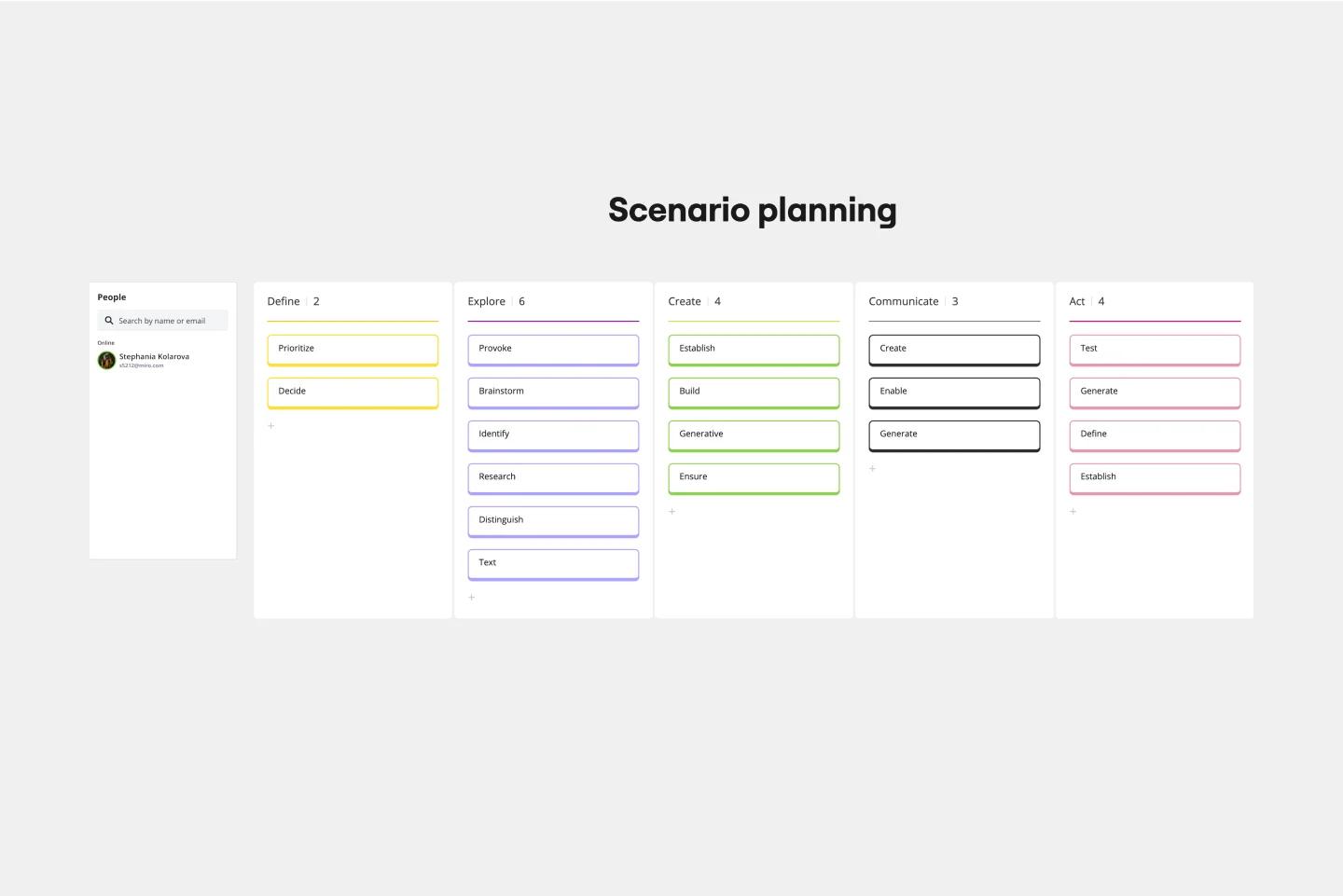
The Resource Planning: Scenario Switchboard template helps product managers, project leaders, and business teams prepare for changing demands and uncertain resource needs. Use this collaborative Miro workshop to compare resource scenarios, adjust team allocations, and create flexible plans that respond to changing business conditions.
How to Use Resource Planning: Scenario Switchboard
Establish your baseline: Document available people, budget, and team capacity.
Explore scenarios: Define lower-demand, expected-demand, and rapid-growth situations.
Reallocate resources: Adjust staffing, budgets, and priorities for each scenario.
Set decision triggers: Identify measurable signals that indicate when resources should shift.
Create response plans: Assign owners, actions, and review dates for each scenario.
Why Use Resource Planning: Scenario Switchboard?
Resource needs rarely stay predictable. This template helps teams:
Prepare for growth, budget reductions, or unexpected changes.
Compare resource requirements across multiple scenarios.
Identify when additional capacity or reduced spending is necessary.
Make proactive staffing and investment decisions.
Respond to uncertainty without disrupting critical work.
Miro Features: Editable tables compare resource allocations, sticky notes capture assumptions and risks, colored shapes distinguish scenarios, and frames organize planning activities.
FAQs
Who benefits from this template? Product managers, operations leaders, startup founders, and project teams managing changing resource demands.
Can I create more than three scenarios? Yes. Duplicate the scenario sections to explore additional possibilities, such as funding changes, hiring delays, or new market opportunities.
How do I know when to switch resource plans? Define measurable triggers, such as customer demand, workload capacity, or budget changes, and assign owners to monitor them.